Guide · Local marketing
How to Create an Effective Google Business Profile for Contractors
An effective Google Business Profile is verified, uses the right main category, lists every service you really offer, shows your true service area, and has real photos and recent reviews. Keep your name, phone and website identical everywhere online, and reply to every review.
Claim and verify the profile with your real business name
Start at google.com/business. Search for your company first. Many contractors already have a profile that Google or a customer created. Claim it instead of making a second one. Duplicate profiles split your reviews and confuse customers.
Use the name that is on your truck, your invoices and your estimates. Do not add keywords like 'Best Cheap Plumber Dallas' to the name. Google can suspend profiles that do this, and a suspension takes your phone calls with it. If your legal name and your trade name differ, use the one customers actually see and know.
Expect to verify. Google may ask for a video, a phone code, or a postal card. If you work from a truck and a home office, follow the prompts honestly and show your vehicle, tools and signage if asked. Google's rules for home-based and service-area businesses change over time, so read the current guidelines before you start.
Choose your categories and list every service
The main category is the most important setting on the profile. It tells Google what you are. Pick the one that matches the work that pays your bills. A company that mostly replaces roofs should choose a roofing category, not a general one. A company that does air conditioning repair and installs should choose the HVAC category that fits best.
Add secondary categories only for work you really do and want more of. A painter might add a cabinet or pressure washing category if those are real services. Do not add categories for jobs you refuse.
Then fill in the services list. Use plain names people type into Google: 'water heater replacement', 'panel upgrade', 'gutter cleaning', 'garage door spring repair'. Add a short description to each one. If the profile has a products or menu section, use it the same way. Write the description for a homeowner, not for a search engine. Say what you do, what areas you serve, and how a customer can reach you.
Set your service area and hours the right way
Most home service companies go to the customer. If customers do not visit your location, you can usually hide your street address and show a service area instead. Google's rules on this are specific, so check them for your setup. Never post a fake address or a mailbox store address as your shop.
List the cities or zip codes you truly serve. A tight, honest list beats a huge one. Customers far outside your range will call, waste your time, and may leave a bad review when you decline.
Set your hours to match when someone answers the phone. If you do emergency work, mark that clearly in the description and set special hours for holidays. A profile that says open but sends every call to voicemail costs you jobs. If you cannot answer during work, a quick text-back or voicemail greeting that names your company helps.
Add real photos and keep posting
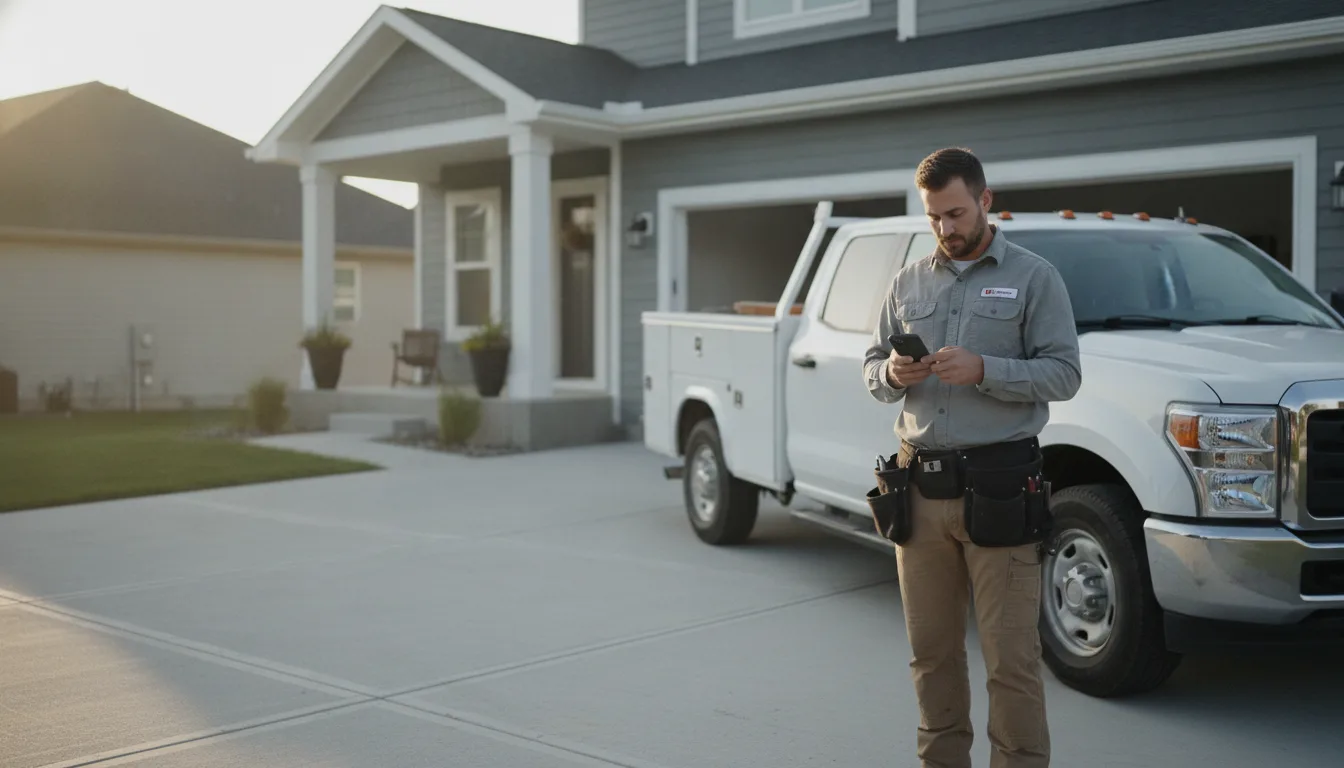
Photos prove you are a working company. Upload your logo, a clear picture of your truck with the company name, your crew in uniform, and finished jobs. Before and after pictures work well for painting, landscaping, remodeling and pressure washing. Take them on your phone at the end of each job, with the customer's permission if the home is recognizable.
Skip stock photos. Customers can tell, and they do not build trust. Do not upload photos of other companies' work.
Use the posts feature for updates: a finished project, a seasonal reminder, a special offer you can honor. Keep each post short, with one photo and one clear action, like calling you for a quote. You do not need to post every day. A steady, honest record of recent work is enough.
Earn reviews and answer every one
Reviews are the part of the profile customers read most. The best time to ask is right after the job, when the customer is happy and the work is fresh. Send them your direct review link by text. Make it one tap. Do not offer discounts or gifts in return for reviews, and do not write reviews yourself. Google's policies prohibit fake and incentivized reviews, and some states have their own rules, so check locally.
Reply to every review, good or bad. For a good one, thank the customer by first name and mention the work, like the new water heater or the fresh exterior paint. For a bad one, stay calm. Say you are sorry they had a poor experience, state the facts briefly, and offer to talk offline. Future customers read your reply as much as the complaint.
If a review is fake or breaks Google's rules, you can flag it for removal. Do not argue in public.
Keep your details matching everywhere
Your business name, phone number and website should be the same on your profile, your website, your invoices, your estimates and your social pages. Mismatches make it harder for Google to trust that these listings are one company.
Link the profile to a website page that matches the main service. A plumber might link to a page about drains and water heaters rather than a blank home page. The page should show your phone number, service area, license number where your state requires it, and a way to request a quote. Licensing display rules vary by state, so check with your local licensing board.
Review the profile every few months. Update hours, remove services you no longer offer, and add new photos. A profile you check regularly stays accurate, and an accurate profile is easier for both Google and AI assistants to quote.
Questions people ask
Is a Google Business Profile free for contractors?
Yes. Creating and managing a Google Business Profile does not cost anything. You can add your services, photos, hours and service area, and customers can find you on Google Search and Maps. Google may offer paid ads separately, but those are optional and not required to have a profile. Be careful with anyone who calls offering to verify or rank your profile for a fee.
Can I use a Google Business Profile without a storefront?
Often yes. Many plumbers, electricians, painters and landscapers work from a truck or home office. If you serve customers at their homes, you can usually hide your address and list a service area. Google's rules on this are specific and can change, so read the current guidelines before you set it up. Never use a fake address.
How do I get more Google reviews as a contractor?
Ask every happy customer soon after the job is finished. Text them your direct review link so it takes one tap. Reply to each review you receive. Do not pay for reviews, offer discounts for them, or write your own, because Google's policies prohibit that. A steady flow of honest recent reviews matters more than a one-time burst.
What is the most important setting on a Google Business Profile?
The primary category. It tells Google what kind of business you are, so choose the one that matches the work that earns most of your income. After that, add only the secondary categories and services you actually perform. An accurate category and service list helps the right customers find you and cuts down on calls for work you do not do.